The challenge of putting the camera right behind home plate is that it not only captures all the audio on the field but all the extracurricular conversations off the field. That is not always a good thing. The GoPro does a pretty good job of capturing 360 degree audio right out of the box. When parents are set up right behind home plate they didn’t agree to be recorded for all their comments and conversations to be put on the internet. And I wouldn’t blame them if they were mad. I have heard stories of parents bad mouthing the team or the coaches and getting into some hot water with the club. I don’t want to be responsible for that. Also, the kids go back and watch these videos and I don’t want them to hear foul language or the other team’s parents talking trash about our team. If using iMovie try the setting reduce background noise and dial it up to 100%. This muffles all the audio so the conversations are harder to hear, but also makes the field umpires and coaches difficult to understand sometimes. I felt like there had to be a better way so I set out to fix the problem.
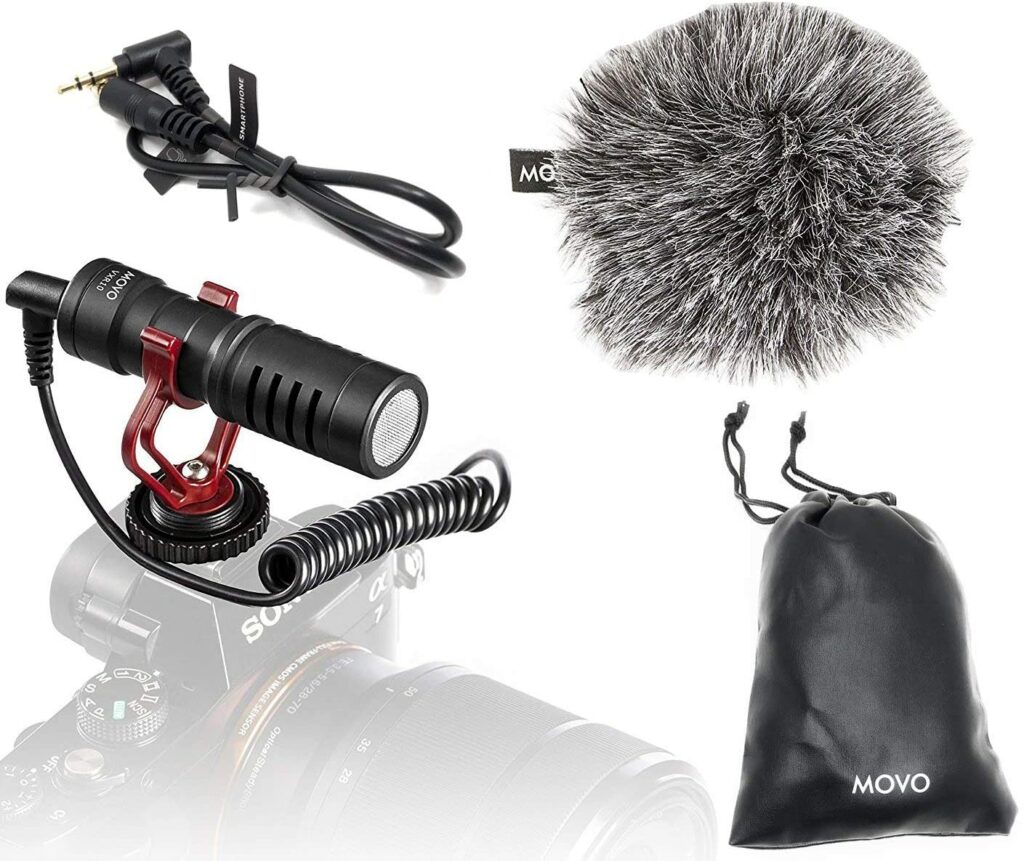
I bought a shotgun microphone that uses a 3.5mm audio jack to attach to the camera. I was hoping that a directional mic would focus more of the audio onto the field and not what’s happening behind the field. This mic also attaches to a cold shoe on the aluminum case I already have. If you are with me so far you know that the GoPro doesn’t have a 3.5mm jack. How do you get the mic to attach to the camera? GoPro makes an audio adapter that connects into the USB-C port on the camera and allows you to plug in an external microphone. The major issue with it is the cost. It’s pretty pricey for what it is. I did tons of research as well to find a third party adapter but came up with nothing. If you want to use an external microphone and can live with just using the internal battery, then buy a cheap 3.5mm to usb-c adapter and roll with it. But if you need to plug in an external power supply as well… back to the drawing board.
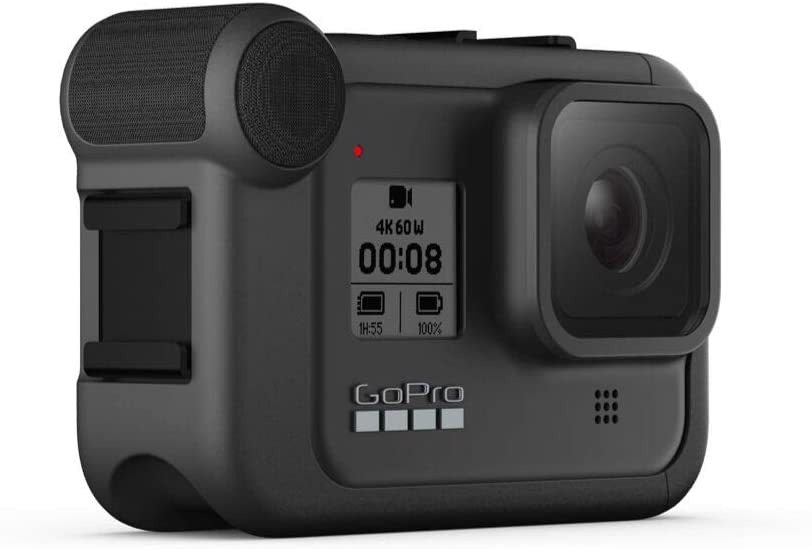
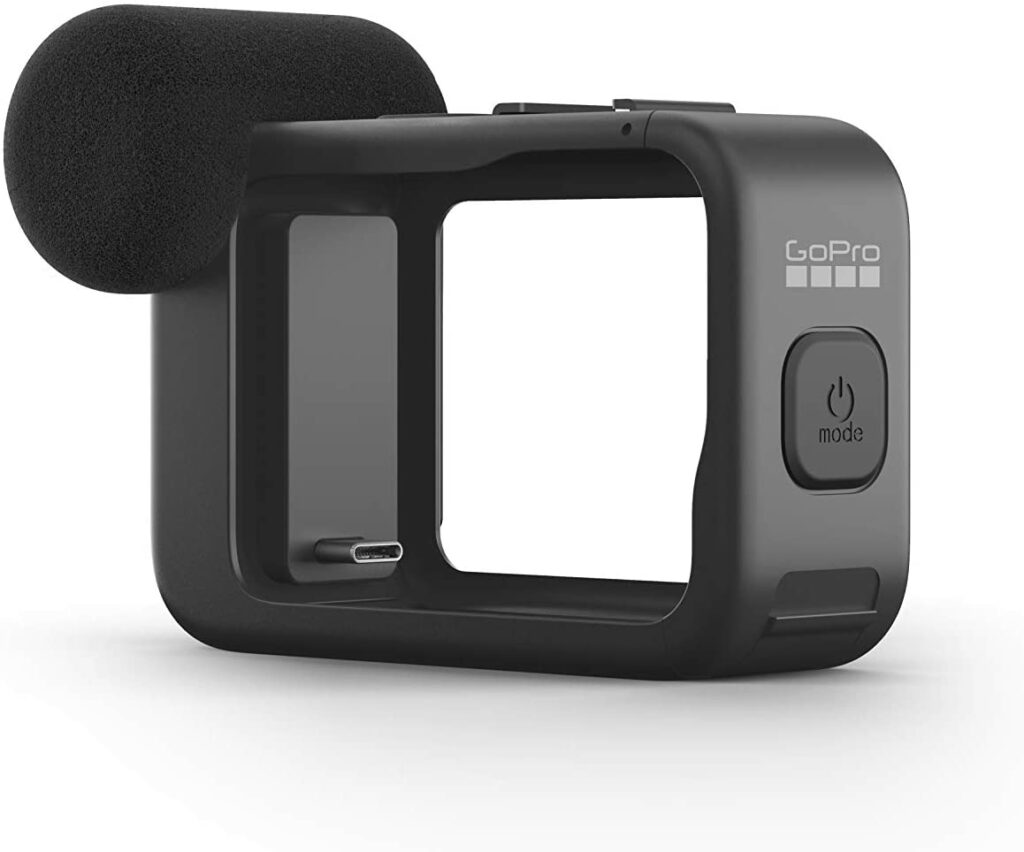
Another thing GoPro came out with earlier this year is called a Media Mod. Not only is this a really good aluminum case, but it has a built-in directional microphone. It also has a 3.5mm port for external mics like the one mentioned above. And it has a HDMI-out port to monitor or play back your footage on your TV which is a nice added bonus. There are also two cold-shoe mounts which I love for connecting to my fan setup or attaching the external microphone. I thought this was the answer to what I was trying to achieve. But like everything else on this website, not so easy. The camera slides into this case and goes in battery side first. What this means is now the camera is sealed back up tight so no air flow or heat dissipation which defeats everything I’ve been trying to accomplish. I may try it when the weather starts getting colder but I will definitely test it on an off weekend in the yard before I put it to use on the field.
Now that I’m using Final Cut Pro X there are a whole host of ways to mask and conceal the audio coming from behind the field. Play around and find what works the best in different situations. Some games may not be necessary because nobody is sitting directly behind the camera. Other games there are people literally 2 feet from the camera microphones. Happy editing!