SHOPPING LIST
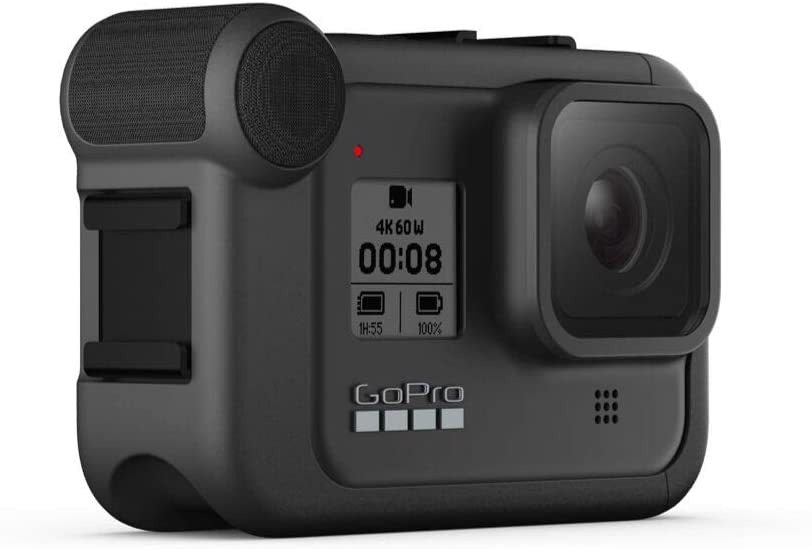
GoPro Hero 8
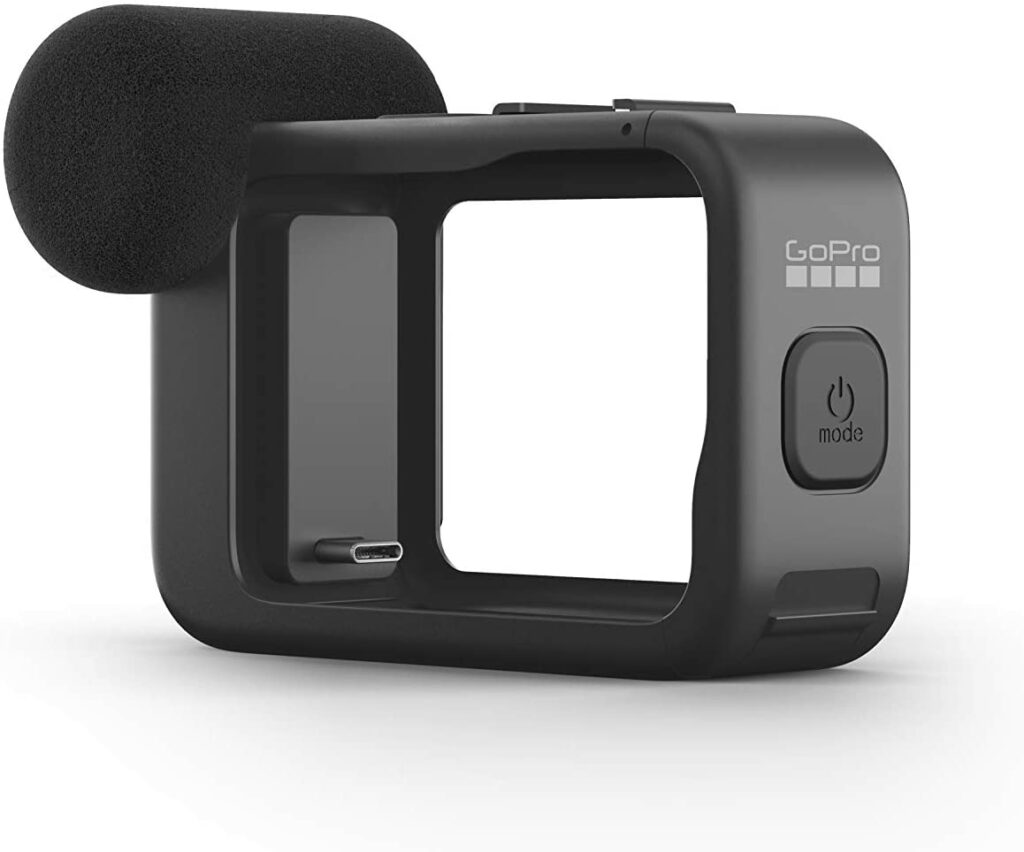
Aluminum case with Cold Shoe mounts
Handlebar mount
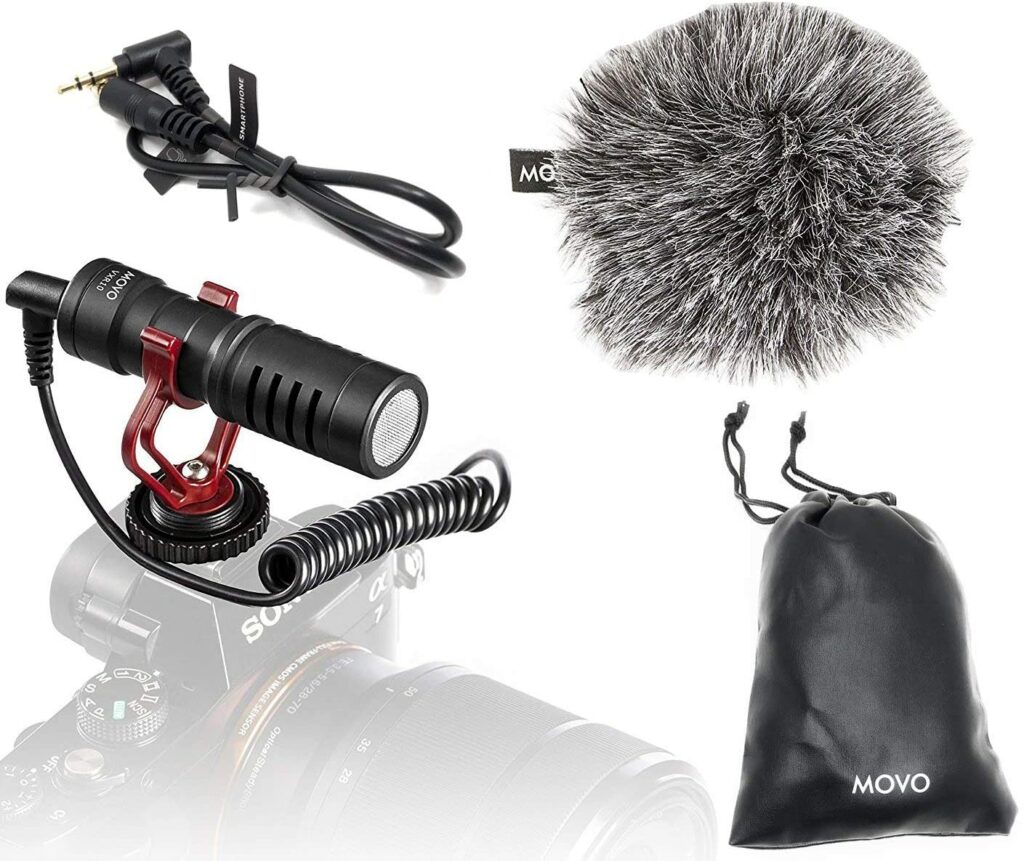
1/4” Hot Shoe Adapter Mounts
Sheet Aluminum
80mm x 80mm Fans and 80mm Fan Grills
USB Power Cable Adapters for fans
8” Zip Ties and 4” Zip Ties
Screw Eyelets
1” Wood Dowel
Dual Carabiners
Battery Pack(s) Need at least 3 USB inputs. 2 fans + 1 GoPro
Copper rods
Sometime you make do with what’s around the house. Other times you gotta spend a few dollars to get it right. This contraption is the 5th iteration of my humble attempt to make the camera work at higher temperatures. It’s actually pulling triple duty. It keeps the sun and rain from affecting the camera (the camera is waterproof if the battery door is on, but I run with the door off), it keeps air flowing around the camera body thus reducing the operating temperature, and it acts as a mount to hang from a backstop or chain link fence. Along with this and all the settings discussed elsewhere on this site, I think I finally got it right. Only took a year but so far so good.
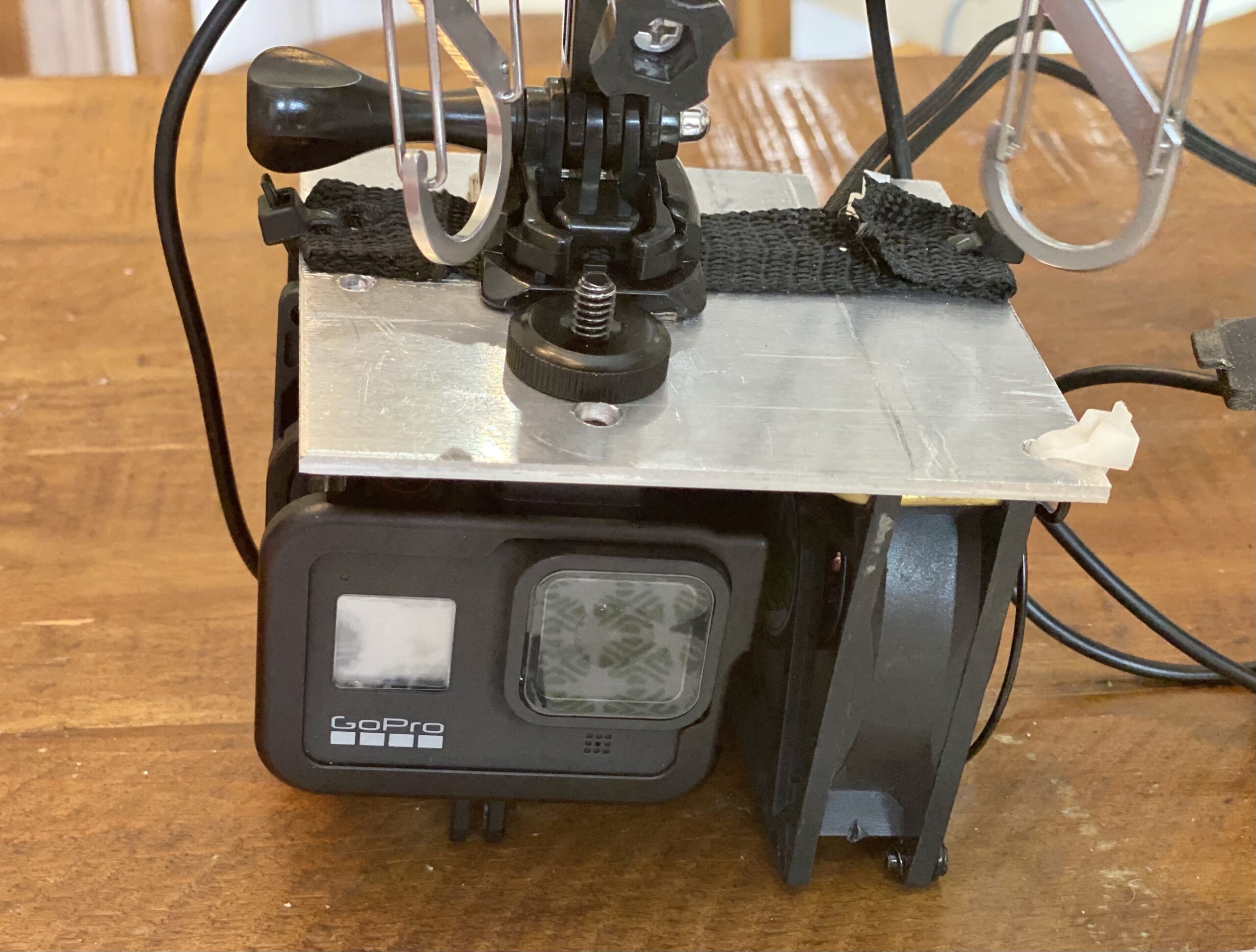
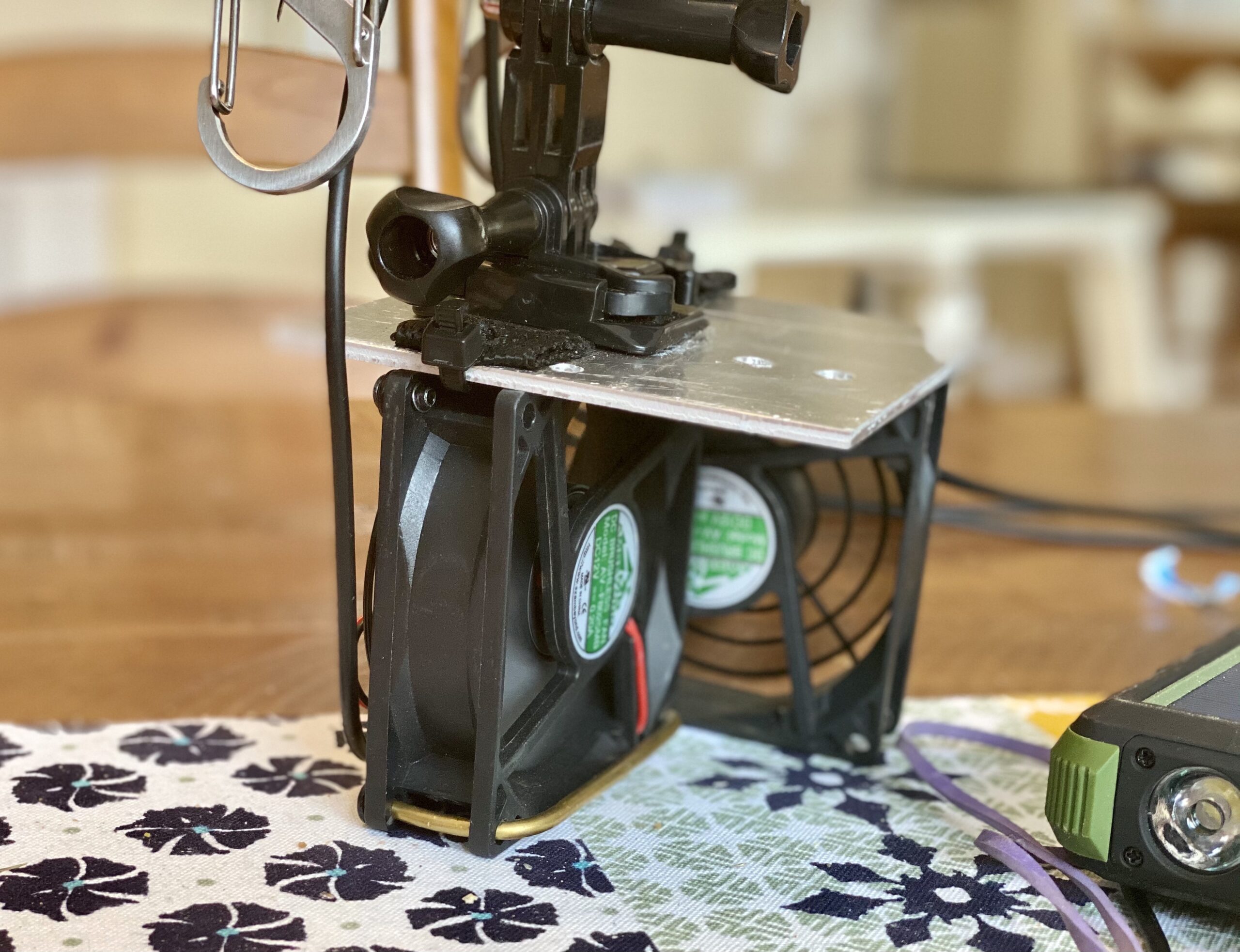
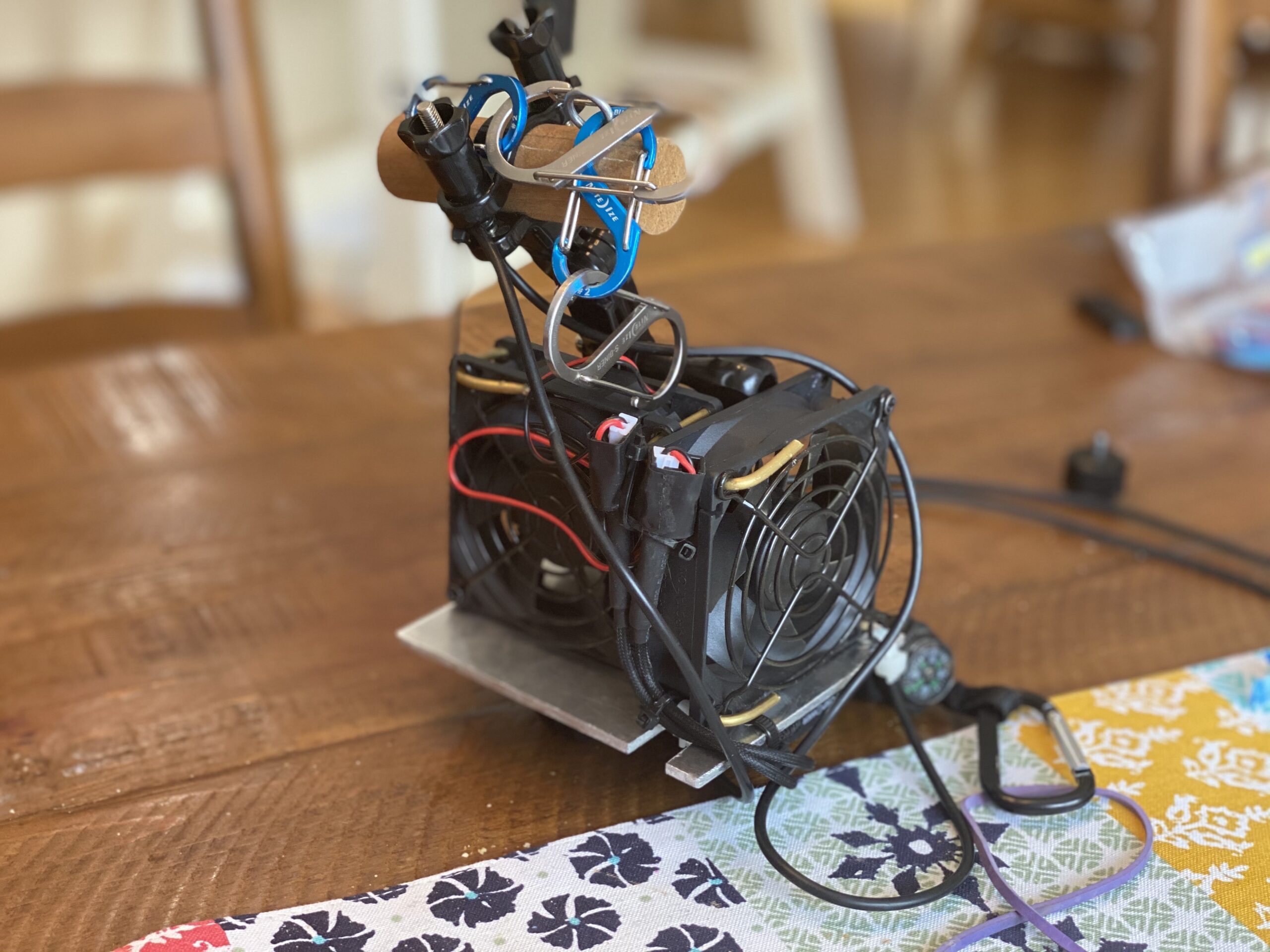
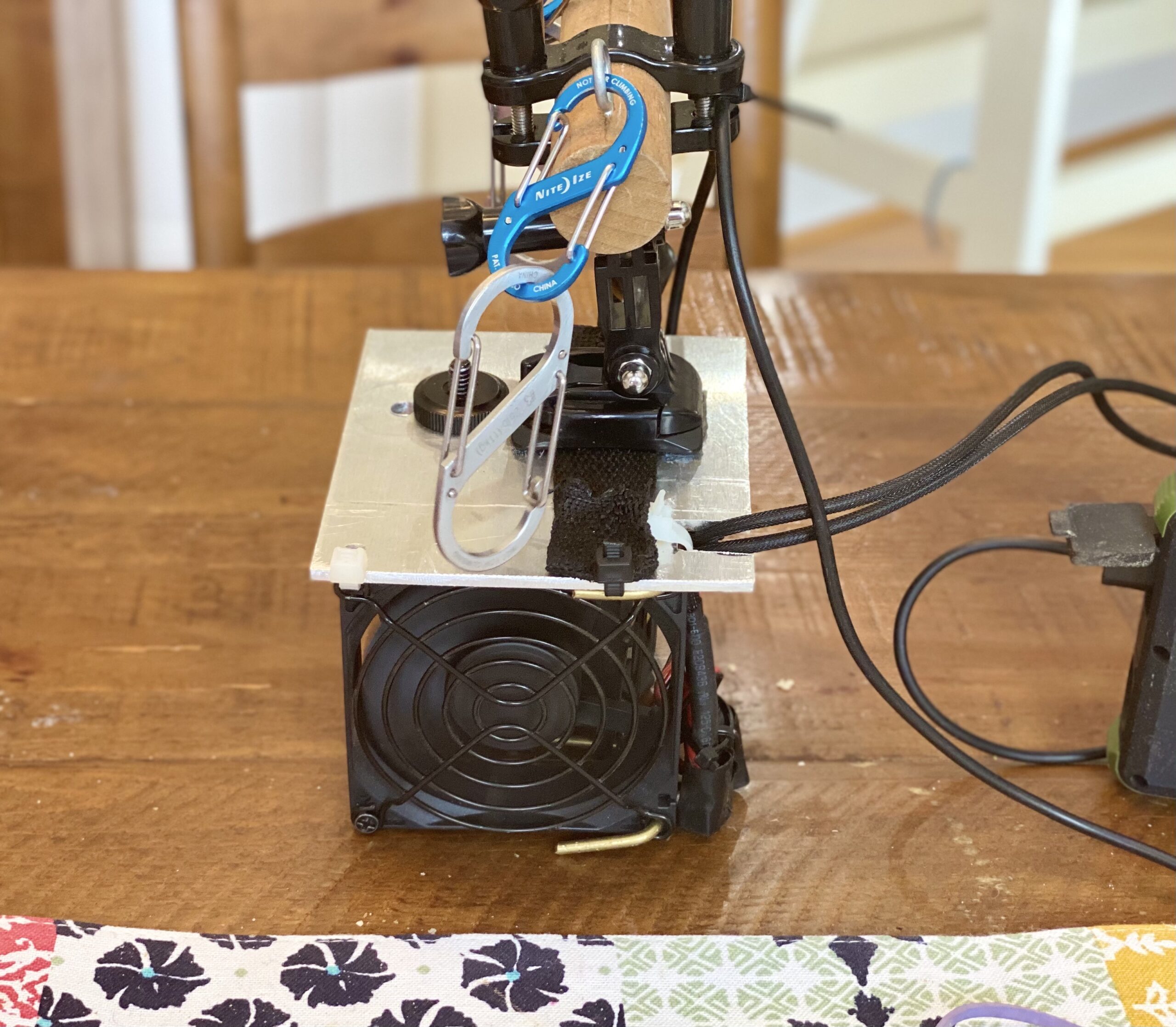
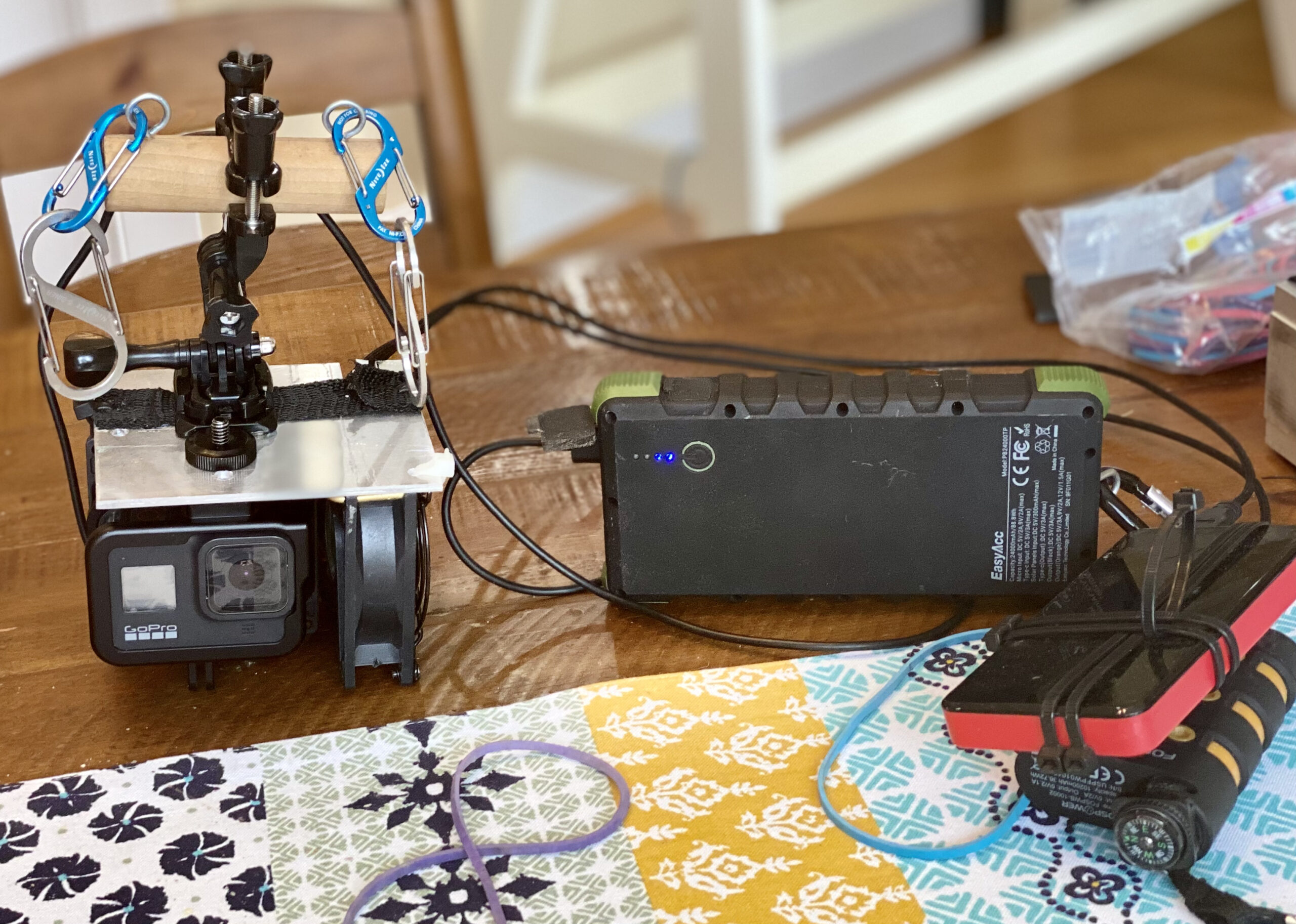
I have 3 things going on here in these pictures: The part that hooks the whole setup to the fence, the part that keeps everything running cool, and the part that hooks the actual camera to the rest of the unit. Let me start from the top and work my way down…
Since the first day with the GoPro Hero 4 I have been using a wooden rod with some screw eyelets in the top to attach various carabiners that can snap onto the fence or netting. The handlebar mount for the GoPro is perfect for attaching the camera to the carabiners/wooden rod. This same setup continues to work perfectly. I’m using a buckle mount which comes in any of those multi packs of adapters and mounts for action cameras. That buckle mount is connected onto the aluminum using a nylon strap that has been zip tied down and I put some Gorilla Double Sided Tape under there for good measure. This aluminum and tape has not seen the weather extremes of August yet so time will tell if it holds up.
What you also see in these photos is two fans blowing directly onto the camera. I couldn’t decide if I wanted them to push the hot air away from the camera or blow cooler air onto it. I decided on the latter. I feel like no matter what temperature it is outside that the air blowing onto the camera will be cooler than the camera itself. Even in 100F days. They are hooked in an L shape configuration using 1/8 inch copper rods bent in an S shape to go through the screw holes of the fans. I also put fan grills on there to protect everything and to prevent the fence from coming in contact with the plastic fan blades. Since these fans are made for PC’s, I had to find some sort of adapter cable that will make them USB powered. I connected those on and taped them up to make them water resistant. With the fans and the camera I now have 3 USB cables that need power. I could run a USB hub attached to 1 battery but I have multiple batteries so I run each device to its own external power supply. The aluminum plate pulls double duty keeping the rain and sun off the camera body, as well as holding everything together.
The GoPro Hero 8 is attached to the aluminum plate using an aluminum skeleton case with cold shoe mounts that I then purchased some 1/4” hot shoe mounts to screw the camera tight to the aluminum plate. This allows easy dismount of the camera for active shooting like when the team wins a tournament, but also before I figured this out I was just using giant rubber bands to hold the camera to the fans. This all may look crazy but if it works, it works. And so far I haven’t been kicked out of any baseball fields yet.